
Run the job,
not the group text.
Pick a trade and the schedule builds itself — dated, in order, with the inspections flagged before anything covers them. Find a verified sub nearby when one drops out. Run recurring work on a route, not just projects. You pay; subs and homeowners never do.
No credit card · Set up your first job this afternoon · A VeraLogic product
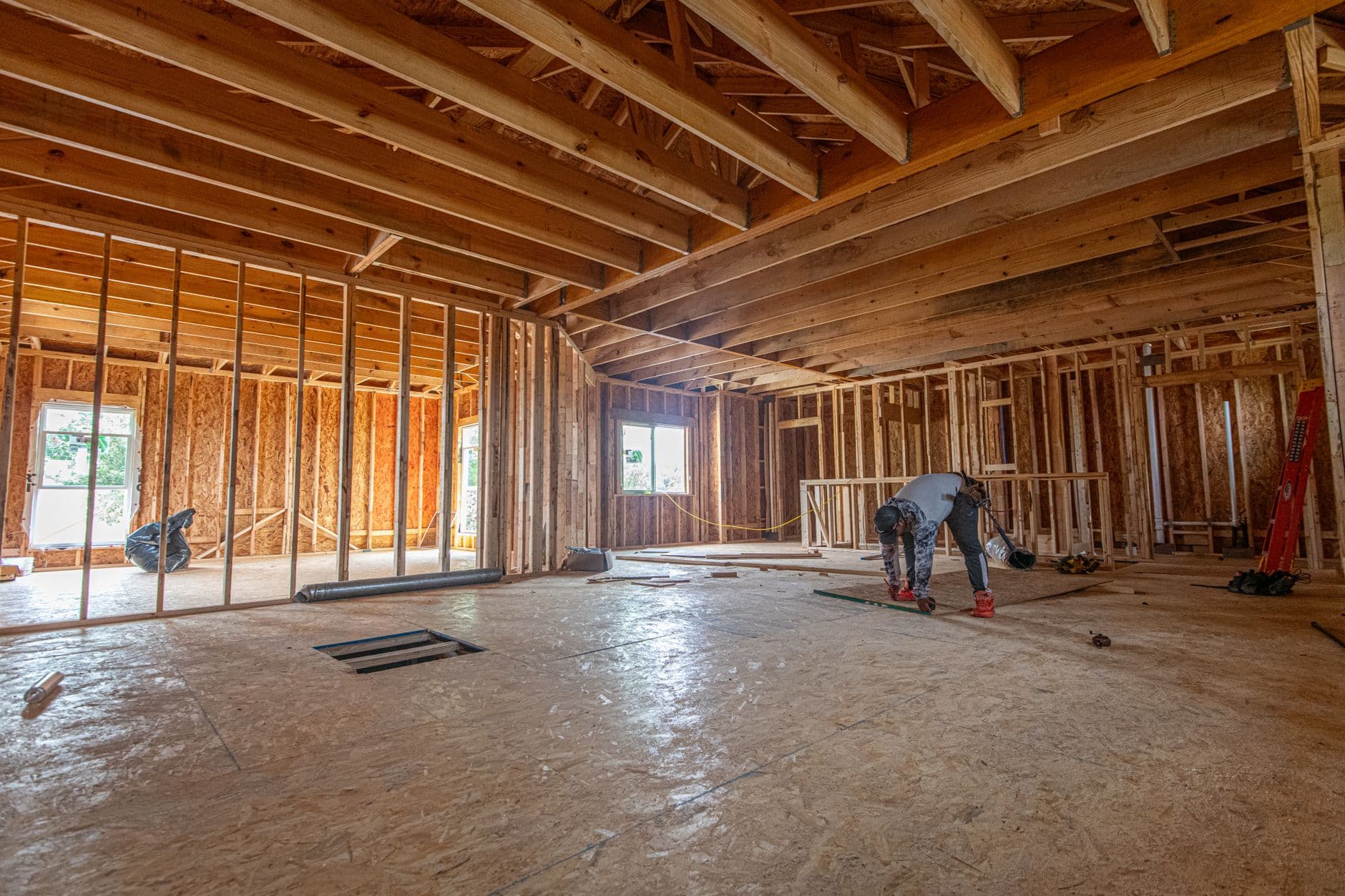
The group text was never a schedule.
You’ve been running real jobs out of a thread that scrolls past the one message that mattered. Spreadsheets don’t send reminders, photos get buried, and by 9 p.m. someone’s texting “where are we on the Johnson job?” You’ve outgrown the tools that got you here.
One place for the whole job.
Schedule, photos, documents, budgets, and the people on every job — together, not scattered across five apps and your camera roll.
85 trades that already know the work
Every trade carries its real sequence — 853 steps with the inspection hold points marked. Pick Roofing on a project and get twelve dated jobs, chained in order, weekends skipped, the deck inspection and the dry-in flagged before anything covers them.
Nobody uninsured on your site
Licences and certificates of insurance are checked by a person, not a tick box, and the difference between verified and self-reported is shown honestly. A job can require both, and anyone who cannot show them simply cannot take it.
One login for the trades
Your subs sign in once and see every builder they work for in one schedule. No new account per builder — the reason they actually adopt it, and the thing no competitor at this level does.
Projects and route work, together
A build has a start and a finish. A lawn round has a Tuesday. Both are first-class here — recurring visits become real jobs on a route you open each morning, with seasonal contracts that know November from June.
Photos and paperwork, filed by job
Private storage organised by project and job, not a public link or a group thread. Every photo and document lands where it belongs, and exports to Excel or PDF whenever you need it on paper.
Per-job budgets with receipts
Track spend and snap receipts against each job as you go, then see across every project which one is bleeding — overspent first, without opening five of them.
Your schedule already knows how roofing runs.
Every one of 85 trades carries its real sequence — what it covers, what it excludes, where it is licensed, and the order the work actually happens in. Choose one on a project and you get dated jobs, chained so each waits on the one before it, weekends skipped, and the checkpoints marked.
Checkpoints are the steps that cost real money when they are missed — the deck inspection, the dry-in before rain, the flood test before tile goes down. Miss one and the work comes back apart.

- 1Inspection and measurementFri 7 Aug
- 2Permit and material selectionMon 10 Aug
- 4Strip to the deckWed 12 Aug
- !Deck inspection and repairThu 13 Aug
- !Underlayment and ice barrierFri 14 Aug
- 8Field installationTue 18 Aug
- !Flashing at walls and penetrationsThu 20 Aug
- !Final inspection and warrantyTue 25 Aug
Highlighted steps are hold points — work stops until they are signed off.
The one login your subs will actually open.
Every competitor makes a sub create a fresh account for each builder — so subs don’t bother, and coordination slides right back into texts. MyProject gives each sub one login that spans every builder they work for, with all their jobs in one shared “My Work” schedule. That’s the difference between a tool you bought and a tool your crew uses.
Live this week, not next quarter.
Set up your first job in minutes
Start free — no card, no sales call. Add a job, drop in the schedule, and invite your crew. You’re running a real build the same afternoon, not next quarter.
Your subs sign in once
Send a sub an invite and they get one free login that already works for every other builder they run jobs for. They open it because it’s actually useful to them — not another account to forget.
The whole job runs in one place
Schedule updates, photos, receipts, and client visibility all flow through MyProject. The build runs on the plan, your phone goes quiet, and everyone sees the same source of truth.
Time back, mistakes gone, money saved.
When the schedule, photos, and progress live in one place your client can see, the 9 p.m. “where are we?” texts stop. The job answers the question before anyone has to ask it.
Builder is a flat $149 a month with unlimited internal users. Hire a fifth person, or a fifteenth, and the price is the same — no per-seat maths, no renegotiation, no surprise at renewal.
No setup fee, no implementation project, no call you have to sit through before you are allowed to try it. Sign up, add a job, invite your crew — you are running a real build the same afternoon.
Because a sub’s one login follows them to every builder, each builder you invite to a job already knows the tool. Adoption compounds instead of resetting to zero every time.
Built for everyone on the job.
The whole crew’s on it. You’re the only one who pays.
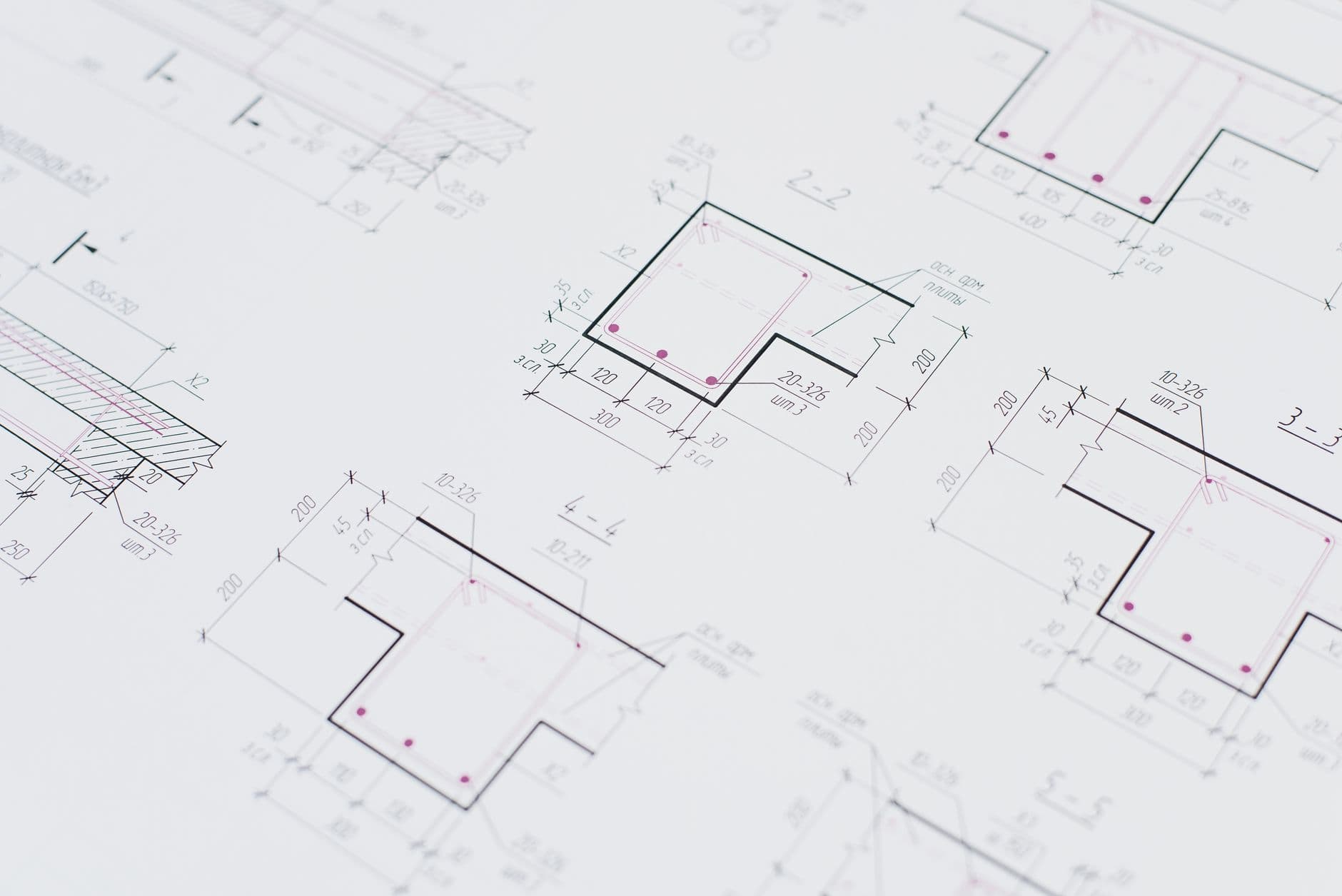
Builders & remodelers
Scaffold a trade into a dated schedule in one click, see the dependency chain draw itself, and find a verified sub nearby when one drops out. You are the only one who pays.
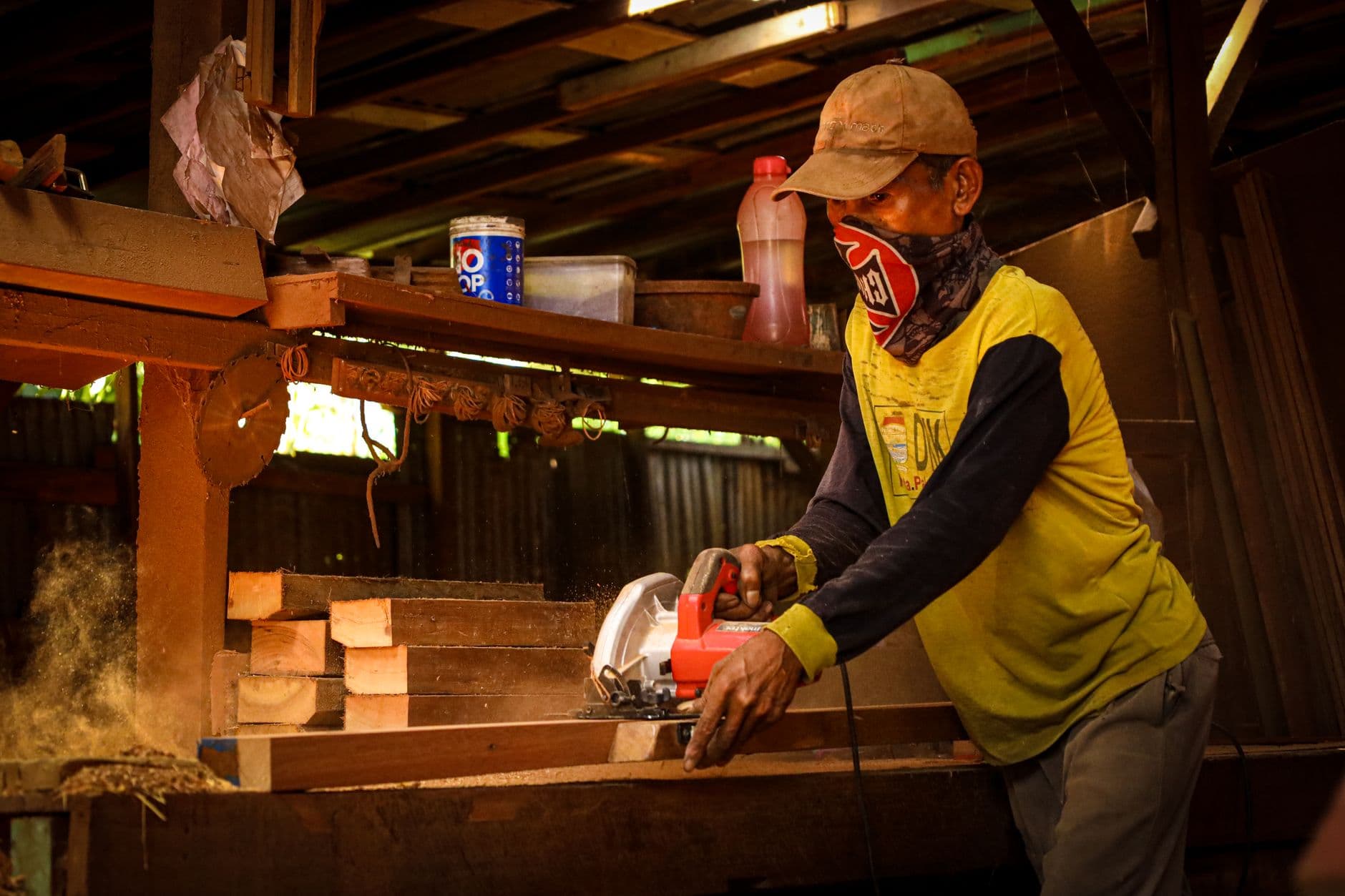
Subcontractors & solo trades
One free login for every builder you work for. Open jobs near you matched to your trades and travel radius, offers you can accept from your phone, and a calendar that stops work landing on your days off.

Service & maintenance crews
Lawn, cleaning, pest, pool, snow — recurring visits on a real route, with seasonal contracts and a morning view of every stop in driving order.

Homeowners & clients
Watch your project come together — schedule, photos and budget — without chasing anyone for an update. Free, and always in the loop.
Flat pricing. Free crew.
Unlimited subcontractors and homeowners on every plan — you only pay for your own team. A fraction of what the incumbents charge, with no onboarding fee.
Crew
$69/mo billed annually
Solo builders & small remodelers just off group texts.
Start free- ✓Scheduling — Gantt, Kanban & Calendar
- ✓Up to ~5 active jobs
- ✓Photos & documents in private storage
- ✓People directory with contact cards
- ✓Free homeowner client portal
- ✓Unlimited free subs & homeowners
Builder
Most popular$129/mo billed annually · unlimited internal users
Established builders running several jobs and crews.
Start free- ✓Everything in Crew, plus unlimited jobs
- ✓Unlimited internal team — no per-seat fees
- ✓Per-job budgets with receipts
- ✓Excel & PDF exports
- ✓Live OneDrive photo mirroring
- ✓Full cross-org sub network
- ✓Priority support
Pro
$219/mo billed annually · everything included
High-volume builders & small GCs with a deep sub bench.
Start free- ✓Everything in Builder
- ✓Advanced reporting & budget roll-ups
- ✓Expanded storage
- ✓Multi-admin roles & permissions
- ✓Faster priority support
- ✓Early access to new features
Prices in USD. Annual billing saves ~12%. Questions? Talk to us.
Questions, answered.
What does “85 trades that know the work” actually mean?+
Every trade in MyProject carries a written scope and the real order the work happens in — 853 steps in total, with the inspection hold points marked. Choose Roofing on a project and you get twelve jobs, dated end to end from each step’s typical duration, weekends skipped, each waiting on the one before it, and the deck inspection and dry-in flagged as checkpoints. You can edit or delete any of them afterwards like any other job.
How do you check licences and insurance?+
A person reviews the document. The profile then shows the difference between verified, self-reported and expired honestly rather than collapsing them into one green tick. A job posting can require a verified licence, a certificate of insurance, or both — and anyone who cannot show them cannot take that job, with the reason shown so they know what to fix.
Do my subs and clients pay anything?+
Never. Subcontractors and homeowners are free on every tier, with no seat limits. You — the builder — are the only one who pays. Keeping the crew free is what gets them to actually adopt it.
How is a sub’s login different from other tools’ guest access?+
Everyone else ties a sub to one builder’s account — so a sub who works for four builders juggles four logins and gives up. MyProject gives each sub ONE identity that spans every builder they work for, with all their jobs in one schedule. No competitor at this level does this.
Does it handle recurring work, or only projects?+
Both. A build has a start and a finish; a lawn round has a Tuesday. Recurring services — weekly, fortnightly, monthly, with seasonal windows that know November from June — become real jobs on a route you open each morning, ordered the way the van drives them. Everything that works on a job works on a visit: assignment, notes, photos, status.
What does a worker control about their own availability?+
The days they never work, one-off time off, and specific hours inside a day. Work that falls entirely inside time off is never sent to them; work that only overlaps part of it still is, because that is a conversation rather than a refusal. Their phone number is never on their profile — it is released to one company only when they accept that company’s offer, and they can see who has looked.
Is it mobile?+
Yes. MyProject runs in the browser on the phone in your pocket and the desk in your office — same schedule, photos, and updates on the job site or at the kitchen table. Light and dark theming keeps it readable in bright sun or a dim truck cab.
Where do my photos and documents live, and are they secure?+
In secure private storage, filed by project and job — not a public link or a group thread. Nothing is reachable by URL; files are served through the app after an authorisation check. Export anything to PDF or Excel whenever you need it on paper.
Can I get my data out?+
Anytime. Export schedules, budgets, and documents to Excel and PDF, and mirror photos to OneDrive. Your data is yours — no lock-in.
Why choose this over the established construction platforms?+
Most of them are built for commercial general contractors and priced accordingly — often on how much you build, usually behind a sales call, frequently with an onboarding fee before you have run a single job. MyProject is flat from $79, self-serve, and running the afternoon you sign up. Two things here are genuinely hard to find anywhere else: one login a sub carries to every builder they work for, so they actually open it, and a schedule that already knows how each of 85 trades runs, including where the inspections fall.

Your subs and your client never pay.
Every sub and every homeowner is free on every tier, with no seat limits — because a tool the crew will not open is a tool that does not work. You are the only one with a bill.
Get off the group text this week.
Start free — no card, no demo required. Set up your first job this afternoon, invite your crew, and see the build run on the plan instead of your phone. Subs and homeowners are always free; bring the whole job over before you ever pay a dime.